
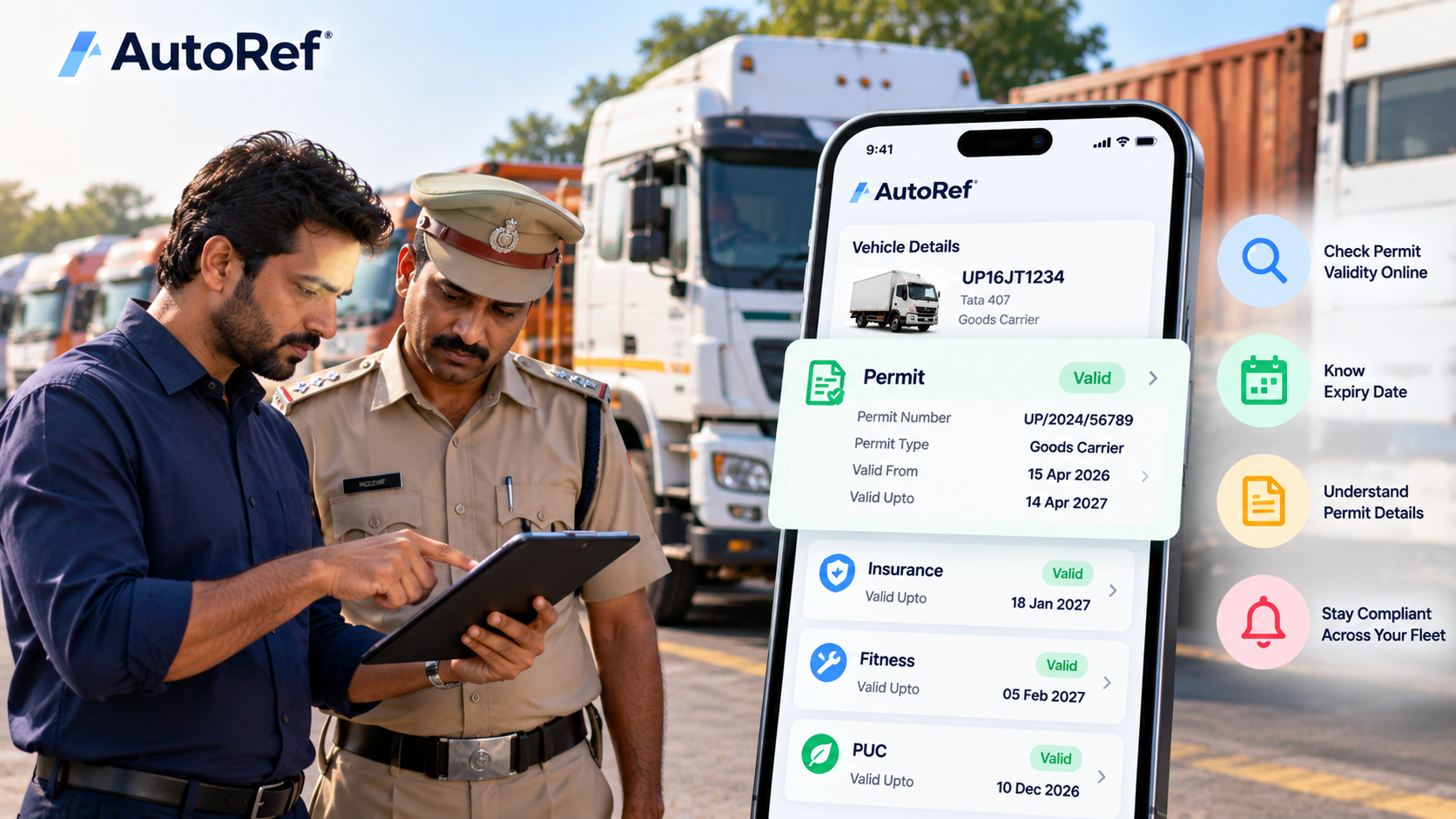
What Is a Commercial Vehicle Permit?
A commercial vehicle permit is an authorisation that allows a transport vehicle to be used for specified transport purposes under applicable motor vehicle laws and rules.
Section 66 of the Motor Vehicles Act requires a permit for the use of a motor vehicle as a transport vehicle, subject to applicable exemptions. The permit can also specify details such as the permit type, validity period, area of operation and route.
For fleet owners, a permit is therefore not just another document to keep in a file. Its validity, type and area of operation can directly affect whether a commercial vehicle can legally operate for its intended purpose.
How to Check Vehicle Permit Validity Online
The easiest starting points are the official mParivahan and Parivahan/VAHAN systems.
Using mParivahan
mParivahan is operated by the Ministry of Road Transport & Highways through NIC. The platform is connected to the national transport database and provides vehicle-related information including RC, insurance, tax, fitness, PUCC, permit status and challan history.
A typical process is:
- - Open the mParivahan app.
- - Use the vehicle-related search/service option.
- - Enter the vehicle registration number.
- - View the available vehicle information.
- - Check the Permit section.
- - Review the permit type and validity information shown for the vehicle.
Permit validity information is associated with the vehicle registration number in the transport database.
Using Parivahan
You can also use the official Parivahan/VAHAN services for vehicle and permit-related services.
The Parivahan ecosystem provides online permit services, and the official permit portal allows users to enter vehicle details for permit-related transactions.
If you are checking an existing permit, look specifically for:
- - Permit number
- - Permit type
- - Validity from
- - Validity up to
- - Area of operation
- - Route, where applicable
These are among the permit fields maintained in the national vehicle database.
What Does Permit Validity Mean?
The permit's “Valid Upto” date is the important expiry date for the permit record.
For example:
Permit Valid From: 15 April 2026
Permit Valid Upto: 14 April 2027
The fleet owner should plan renewal before the permit reaches its expiry date.
Do not assume that every commercial vehicle has the same permit validity period. Permit requirements and validity can depend on the type of permit, vehicle, jurisdiction and applicable rules.
This is why operators should check the actual permit record rather than relying on a generic “one year” or “five year” rule.
What Types of Vehicle Permits Are There?
The applicable permit depends on how the vehicle is being operated.
Depending on the vehicle and operation, you may encounter permits such as:
- - Goods carriage permits
- - Contract carriage permits
- - Stage carriage permits
- - National permits
- - State or regional permits
- - Temporary permits
- - Other specialised permits or authorisations
The permitted area and route of operation can also be important.
For example, a vehicle authorised for a particular area or route should not automatically be assumed to have unrestricted permission to operate elsewhere.
The actual permit and applicable transport rules should always be checked for the vehicle and operation.
Why Permit Expiry Is Important for Fleet Operators
For a private car owner, permit compliance may not be relevant.
For a commercial operator, however, an expired or inappropriate permit can become an operational problem.
A fleet operator may have to deal with:
- - Vehicle being unable to perform its intended commercial operation
- - Enforcement issues
- - Delayed deployment
- - Additional administrative work
- - Missed trips
- - Revenue loss
- - Compliance-related penalties
This is particularly important for fleets where several vehicles have different permit expiry dates.
A fleet with 20 vehicles could have 20 different compliance dates across permits, insurance, fitness, PUC, tax and other documents.
Managing these manually can become difficult.
Permit vs Fitness vs Insurance: They Are Not the Same
Commercial fleet operators sometimes treat all compliance documents as one item.
They are not.
| Document | What it relates to |
|---|---|
| Permit | Authorisation for specified transport use |
| Fitness | Vehicle's fitness certification/status |
| Insurance | Required motor insurance coverage |
| PUC | Pollution/emission compliance |
| RC | Vehicle registration |
| Tax | Applicable motor vehicle tax obligations |
A vehicle may have valid insurance but an expired permit.
It may have a valid permit but an expired fitness certificate.
Therefore, checking only one document does not establish complete vehicle compliance.
Why Permit Tracking Is Difficult for Small Fleets
A small commercial fleet may have only 5–10 vehicles, but each vehicle can have multiple expiry dates.
For example:
| Vehicle | Permit | Insurance | Fitness | PUC |
|---|---|---|---|---|
| Taxi 01 | 12 Mar 2027 | 18 Jan 2027 | 05 Feb 2027 | 10 Dec 2026 |
| Taxi 02 | 28 Nov 2026 | 20 Jun 2027 | 15 May 2027 | 08 Jan 2027 |
| Taxi 03 | 07 Aug 2027 | 03 Aug 2027 | 11 Jul 2027 | 25 Feb 2027 |
The challenge isn't checking one vehicle.
The challenge is remembering all the dates across the fleet.
How Fleet Operators Should Manage Permit Expiry
A simple process is:
1. Record the permit
Store the permit number, type and expiry date against the vehicle.
2. Set an advance reminder
Do not wait until the expiry date.
Give the operator sufficient time to complete the renewal process.
3. Review the complete compliance status
Check permit alongside:
- - Insurance
- - Fitness
- - PUC
- - RC
- - Tax
- - Challans
4. Update the record after renewal
Once renewed, replace the old expiry date with the new validity information.
5. Review the fleet regularly
A weekly or monthly compliance review can prevent individual expiry dates from being overlooked.
How AutoRef Helps Track Vehicle Compliance
AutoRef helps fleet owners keep compliance information organised at the vehicle level.
Instead of separately remembering permit, insurance, PUC, RC and challan information for every vehicle, operators can maintain a consolidated view of vehicle compliance.
This is particularly useful for small fleet owners managing several commercial vehicles.
For example:
Vehicle → Permit expiry → Insurance expiry → PUC → RC → Challans
The objective is not to replace the official government records. Parivahan and the relevant transport authority remain the authoritative sources for compliance status.
AutoRef provides a practical layer for organising and tracking these dates across the fleet.
What If the Permit Information Is Not Showing Online?
Online transport records may not always display every piece of information exactly as expected.
If the permit information is missing, outdated or appears incorrect:
- - Verify the vehicle registration number.
- - Check the original permit/document.
- - Check the relevant Parivahan/VAHAN service.
- - Contact the relevant State Transport Department or RTO if necessary.
- - Do not assume that missing online information means the vehicle has no permit.
The official Parivahan ecosystem contains state-specific services and permit-related processes, so the exact workflow can vary.
A Better Approach for Fleet Owners
Checking permit validity once is useful.
Tracking it continuously is better.
For a fleet operator, the workflow should be:
Check → Record → Set reminder → Renew → Verify → Update
The same process can then be applied to insurance, fitness, PUC and other vehicle compliance requirements.
This reduces dependence on memory and makes it easier to manage multiple vehicles.
Conclusion
A commercial vehicle permit is an important part of fleet compliance.
Vehicle owners can use official Parivahan and mParivahan services to check available permit information, including permit status and validity. The permit record can include the permit type, validity dates and area or route of operation. Parivahan
For fleet operators, the bigger challenge is keeping track of multiple vehicles and multiple expiry dates.
Regularly checking permit validity, recording expiry dates and reviewing them alongside insurance, fitness, PUC and other compliance requirements can help prevent avoidable compliance problems.
Frequently Asked Questions
How can I check my commercial vehicle permit online?
You can use official Parivahan/VAHAN services or mParivahan. Enter the vehicle registration number and review the available permit information, including validity where available.
Can I check vehicle permit validity using mParivahan?
Yes. mParivahan provides vehicle-related transport information, including permit status and validity information linked to the vehicle registration number.
How do I know when my vehicle permit expires?
Check the permit record for the “Validity Upto” date. The official vehicle/permit data includes validity-from and validity-up-to fields.
Can AutoRef track commercial vehicle permit expiry?
AutoRef can help fleet owners organise and track vehicle compliance information, including permit expiry alongside other vehicle compliance requirements.
Can I track permits for multiple commercial vehicles?
Yes. AutoRef's vehicle-level compliance approach is designed to help fleet operators keep compliance information organised across multiple vehicles.
Related Articles
All Car Maintenance & Upkeep →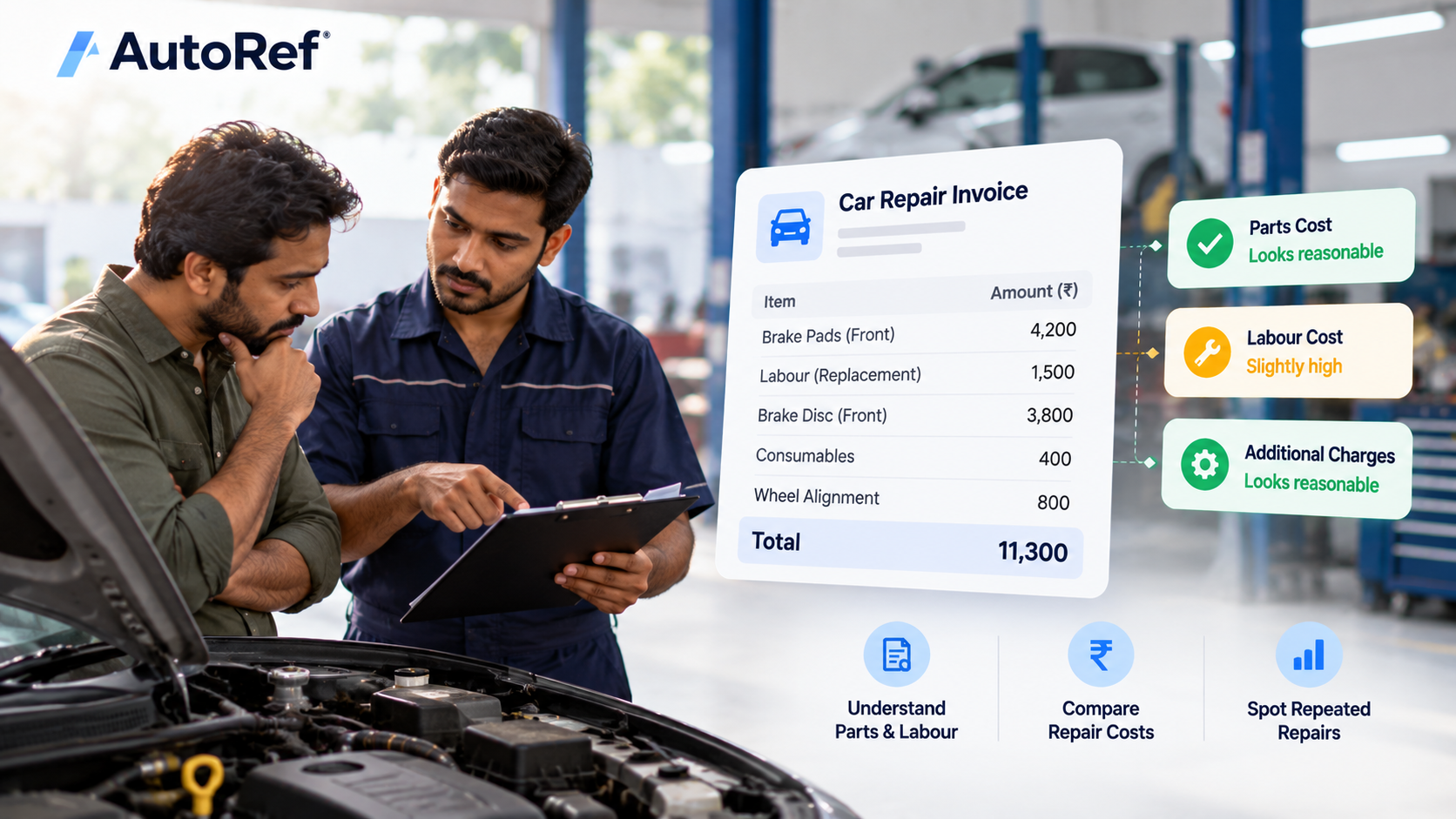 Car Maintenance & Upkeep
How to Check If a Car Repair Cost Is Reasonable
Learn how to check car repair costs, compare parts and labour, identify repeated repairs and evaluate repair bills for your car or fleet.
 Car Maintenance & Upkeep
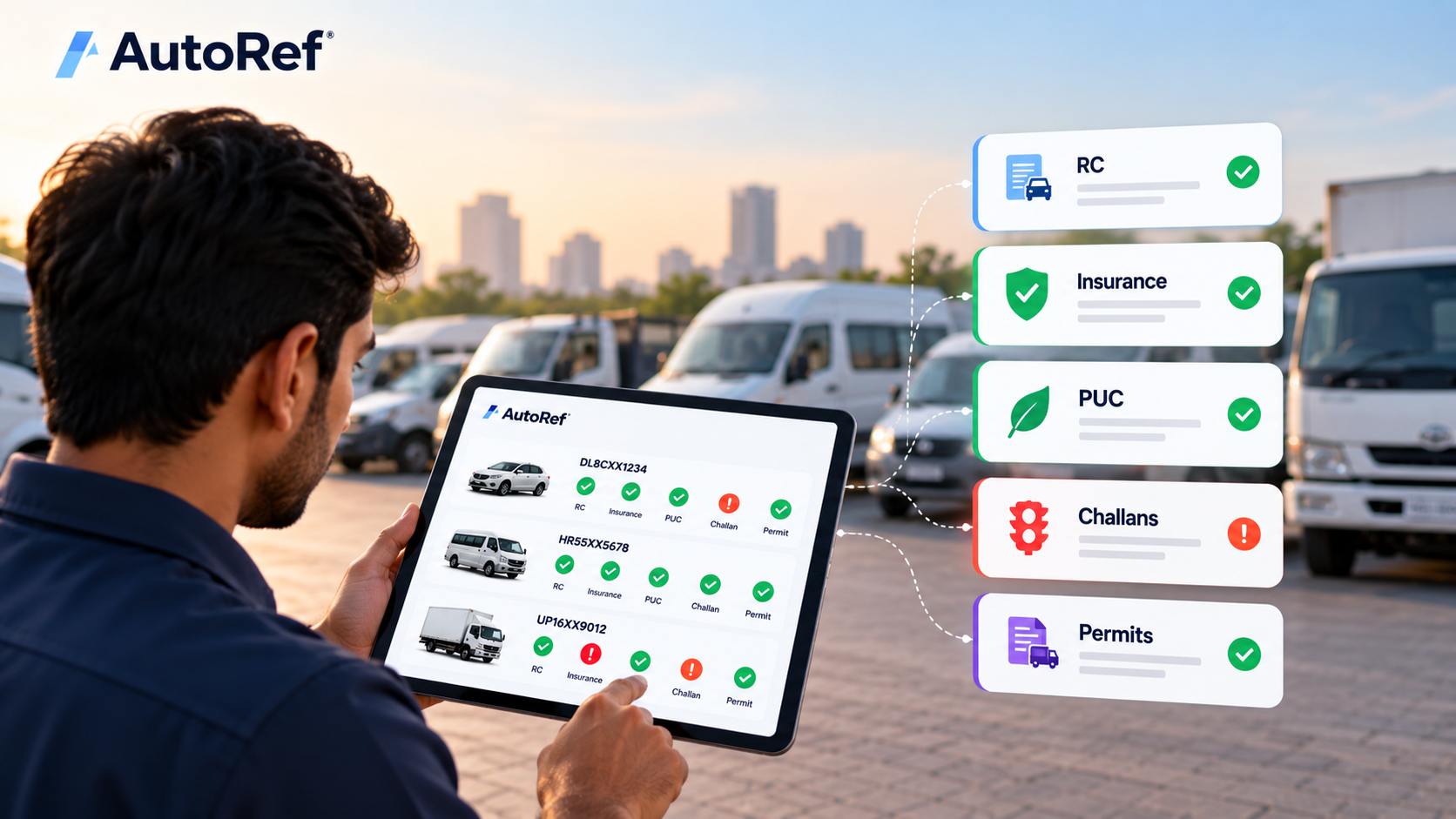
Vehicle Compliance Checklist: RC, Insurance, PUC, Challans and Permits
Vehicle compliance checklist covering RC, insurance, PUC, challans and permits, with practical tips for individual owners and commercial fleets.
 Car Maintenance & Upkeep
Supreme Court on Unpaid Traffic Challans: What Vehicle Owners Need to Know
Supreme Court on Unpaid Traffic Challans: What Vehicle Owners Need to Know